
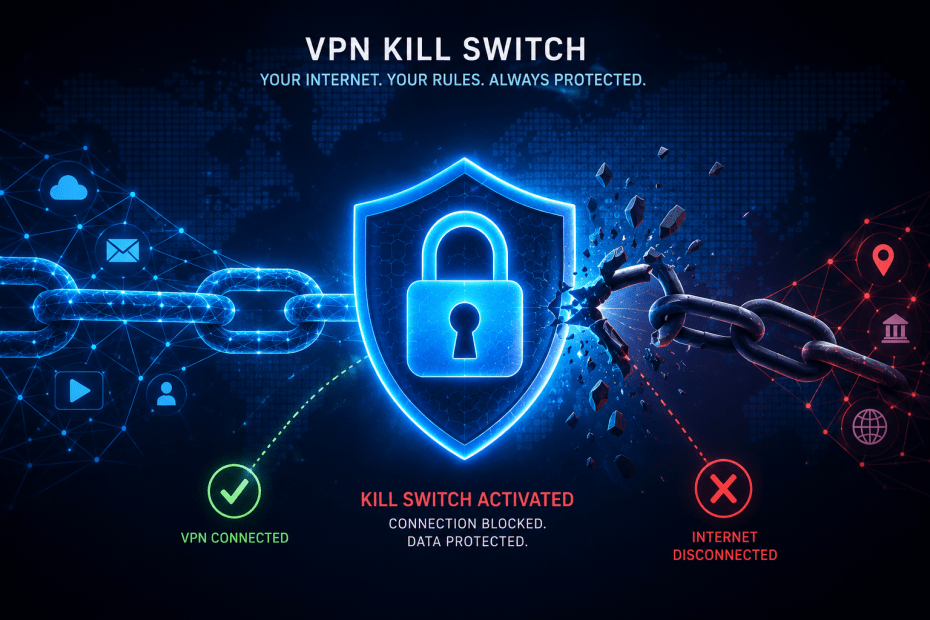
A VPN kill switch is a security feature designed to protect your online privacy by automatically cutting your internet connection if the VPN connection unexpectedly drops. This prevents your device from defaulting back to an unsecured network, which could expose your real IP address and sensitive data. Think of it as a safety net that stops any unencrypted traffic from leaving your device until the VPN tunnel is restored.
How Does a VPN Kill Switch Work?
The kill switch operates in three main stages:
Monitoring
The VPN software continuously monitors your connection to the secure VPN server. It keeps track of whether the tunnel between your device and the VPN remains active.
Detecting
If the VPN connection drops or crashes due to network issues or software glitches, the kill switch immediately detects the loss.
Blocking
Once the disconnection is detected, the kill switch instantly blocks your device’s internet access. This pause lasts until the VPN connection is fully re-established, ensuring no unencrypted data leaks.
Types of VPN Kill Switches
VPN kill switches vary in scope and behaviour, depending on the provider and settings.
System-Level vs App-Level Kill Switch
A system-level kill switch blocks all internet traffic globally on your device when triggered. This means no application can access the internet until the VPN is back up. On the other hand, an app-level kill switch allows you to specify which particular programs get blocked. For example, you might choose to block just your browser or torrent client, while other apps retain connectivity.
Strict vs Soft Kill Switch
A strict kill switch activates whenever the VPN is turned off, whether manually or due to disconnection. This means your internet access is blocked anytime the VPN is not running. A soft kill switch only kicks in during unexpected VPN drops, allowing you to disable the VPN without losing internet access if you choose.
Why Is a VPN Kill Switch Important?
Without a kill switch, a sudden VPN disconnection exposes your device’s IP address and internet traffic to your Internet Service Provider or potential attackers. For example, if you are using a VPN to access geo-restricted content or to protect sensitive communications, a dropped connection without a kill switch could reveal your true location or unencrypted data.
Users who handle sensitive information or simply want to maintain privacy consistently will find a kill switch essential. Even a few seconds of unprotected traffic can compromise anonymity or security.
How to Enable a VPN Kill Switch
Most reputable VPN providers include a kill switch feature, often enabled by default. However, it’s advisable to check within the VPN app’s settings. Look for options labelled “Kill Switch,” “Network Lock,” or “Firewall Mode.”
Enabling the kill switch is usually straightforward via a toggle or checkbox. Some VPN apps provide customisation, allowing you to choose the type of kill switch or specify which apps it applies to.
If you cannot find this feature, consult your VPN provider’s support resources or knowledge base. It is a critical safeguard, so confirming its status is a sensible starting point for any VPN user.
Practical Example
Imagine you are connected to a VPN while working remotely on public Wi-Fi at a café. Suddenly, your VPN disconnects without a kill switch. Your device reverts to the café’s unsecured network, potentially exposing your IP address and data to malicious actors on the same network. If your VPN has a kill switch enabled, your internet access would be cut immediately, preventing this exposure until the VPN reconnects.
Limitations and Considerations
While a kill switch enhances security, it can interrupt internet access unexpectedly, which some users may find inconvenient. For instance, if your VPN connection is unstable, the kill switch may trigger frequently, disrupting workflows.
Furthermore, some VPN kill switches might not function perfectly on certain devices or operating systems due to technical limitations. Testing your VPN’s kill switch in your typical usage environment is advisable.
Conclusion
A VPN kill switch is a critical feature for maintaining privacy and security when using a VPN. By automatically cutting internet access if the VPN connection drops, it prevents accidental exposure of your online activity and real IP address. Understanding the different types of kill switches and how to enable them will help you make the most of your VPN’s protection. Before choosing a VPN, it is worth confirming the presence and behaviour of the kill switch feature as part of your overall security setup.
FAQs About VPN Kill Switches
1. Is a VPN kill switch necessary for all users?
For most people concerned with privacy or security, a kill switch adds an important layer of protection. If you only use a VPN occasionally or for low-risk activities, it may be less critical.
2. Can I disable the kill switch if it interrupts my internet?
Yes, most VPN apps allow you to disable or adjust the kill switch settings. However, doing so reduces your security if the VPN drops unexpectedly.
3. Do all VPN providers offer a kill switch?
Not all VPNs include a kill switch, especially free or less reputable ones. It’s important to check the features before subscribing.
4. Will a kill switch protect me if my VPN is hacked?
No, a kill switch only protects against accidental disconnections. It does not prevent other security threats such as hacking or malware.
5. How can I test if my VPN kill switch works?
You can test it by starting your VPN, then manually disconnecting it or disabling your network temporarily. If the kill switch works, your internet connection should be blocked during the VPN outage.
Some VPN Options for you
Nord VPN
Online VPN service that encrypts your internet traffic and hides your IP with physical location. Upgrade your privacy and security…
Trustpilot: ★★★★☆ (4.1)
Monthly Price: £11.09
Surfshark
Get Surfshark and stay protected. 3200+ servers worldwide. Unlimited devices. Audited: No-logs VPN. RAM-only servers. 24/7 support.
Trustpilot: ★★★★☆ (4.3)
Monthly Price: £11.99
Pure VPN
A VPN service helps you break free from location restrictions – so you can enjoy more of what you love.…
Trustpilot: ★★★★☆ (4.3)
Monthly Price: £12.95
IP Varnish
Help protect private information like your location data, personal identity, and browsing history when you use the internet on any…
Trustpilot: ★★★★☆ (4.6)
Monthly Price: £12.99
Cyber Ghost
With more than 7000 servers, it offers top privacy for all devices, Windows, iOS, Mac, Android, or Linux.
Trustpilot: ★★★★☆ (4.8)
Monthly Price: £10.89