
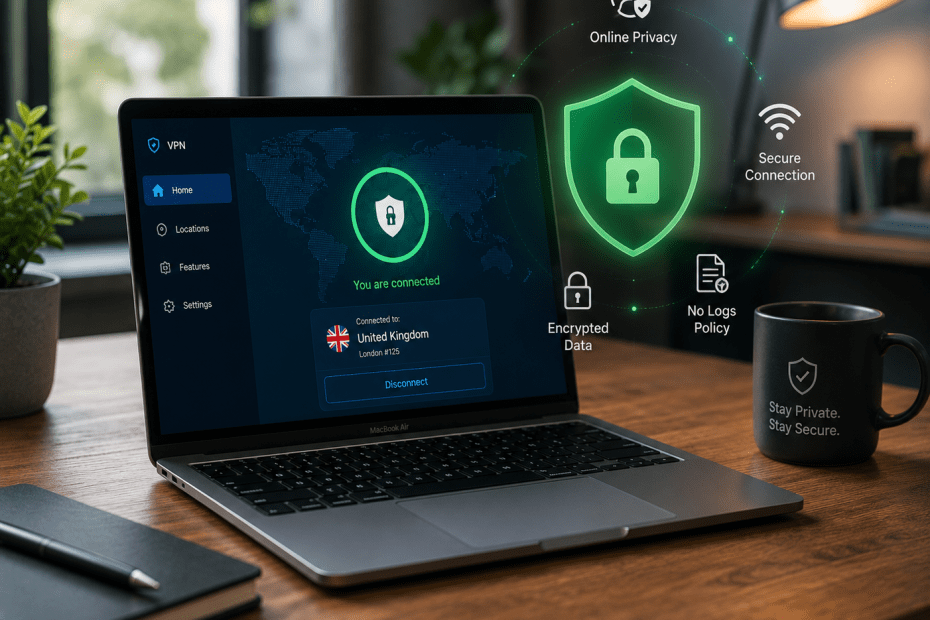
The Best VPNs for Mac in 2026
Mac users often assume that their devices provide complete online security by default. While Apple does prioritise privacy and offers strong built-in safeguards, these measures cannot fully protect against all online risks. A virtual private network (VPN) can add an extra layer of security and privacy when browsing, streaming, or working on a Mac. This article explores why Macs still benefit from VPN use, and reviews the best VPN options available in 2026 based on recent expert testing.
Why Do You Need a VPN on a Mac?
Apple’s macOS includes several privacy features, but it cannot prevent all types of tracking or data interception. VPNs create a secure, encrypted tunnel for your internet traffic, which helps protect your data from hackers, internet service providers (ISPs), and intrusive advertisers. For example, if you use public Wi-Fi networks at cafes or airports, a VPN can prevent attackers from snooping on your communications.
Additionally, VPNs mask your IP address by routing your connection through servers in different locations. This can help you access geo-restricted content and avoid some forms of online censorship. Even though Macs are less frequently targeted by malware compared with Windows, the privacy risks of online activity remain. Using a VPN is a sensible way to reduce those risks.
Top VPNs for Mac in 2026
Recent testing by PCMag UK highlights several VPN providers that stand out for macOS users. They assessed ease of use, speed, security features, privacy policies, and compatibility with Mac hardware and software.
ExpressVPN
ExpressVPN is frequently recommended for Mac due to its intuitive app interface and consistent performance. It employs strong encryption standards and offers a no-logs policy, meaning it does not store user activity data. ExpressVPN also includes a kill switch feature that stops all internet traffic if the VPN connection drops unexpectedly, protecting your real IP address from exposure.
One limitation is its cost, which tends to be higher than competitors. However, many users find the reliability and speed justify this expense.
NordVPN
NordVPN is another popular choice with macOS users. It offers a large network of servers worldwide, which helps maintain fast connection speeds and reduce congestion. The provider supports advanced privacy features such as Double VPN, where traffic passes through two servers for added security, and CyberSec, which blocks ads and malicious websites.
NordVPN’s app for Mac is user-friendly, though some users find the extra features slightly overwhelming at first. It also maintains a strict no-logs policy independently audited to confirm its claims.
Surfshark
Surfshark appeals to those seeking a cost-effective VPN without sacrificing security. It allows unlimited simultaneous connections, meaning you can use one subscription across multiple devices, including Macs, iPhones, and others. The Mac app is straightforward to use and includes essential security features like a kill switch and AES-256 encryption.
One area where Surfshark differs is in its newer presence among VPN providers, which means it has fewer servers than some competitors. Despite this, it remains a strong option for everyday use.
CyberGhost
CyberGhost offers a dedicated Mac app that is easy to set up and navigate. It is particularly good for streaming, with specialised servers optimised for services like Netflix and BBC iPlayer. CyberGhost also has a transparent privacy policy and provides robust encryption.
However, its speeds can vary depending on server location, so it may not suit users who require consistently high performance for activities such as gaming or large downloads.
Choosing the Right VPN for Your Mac
Selecting a VPN depends on what you value most: speed, privacy, ease of use, or cost. For example, if you mainly want to stream UK content while travelling, a VPN with specialised streaming servers can be very helpful. If privacy is your priority, look for providers with independently audited no-logs policies and strong encryption.
Before subscribing, it’s a good idea to check if the VPN offers a free trial or money-back guarantee. This allows you to test the app on your Mac to ensure it is compatible and meets your needs.
Conclusion
Although Macs have strong built-in security, they are not immune to privacy threats online. Using a VPN on your Mac adds a valuable layer of protection by encrypting your internet traffic and masking your IP address. The VPNs reviewed here—ExpressVPN, NordVPN, Surfshark, and CyberGhost—each have their strengths and drawbacks, but all provide effective options for Mac users in 2026.
Ultimately, the best VPN for your Mac will align with your specific requirements, whether that is streaming, privacy, or budget. Keeping your online activity private is increasingly important, and a VPN remains a practical tool to help achieve that.
Frequently Asked Questions
Do Macs need VPNs if they are already secure?
While macOS includes strong security features, it cannot prevent all online tracking or interception by third parties. A VPN encrypts your internet traffic and masks your IP address to enhance privacy, especially on public networks.
Will using a VPN slow down my Mac’s internet connection?
VPNs can sometimes reduce internet speeds due to the extra encryption and rerouting of traffic. However, the impact varies by provider and server choice. Many reputable VPNs offer fast servers that minimise speed loss.
Can I use a VPN on other Apple devices besides my Mac?
Yes. Most VPN providers offer apps compatible with iPhones, iPads, and even Apple TVs. Some allow multiple devices to connect simultaneously under one subscription.
Is it legal to use a VPN in the UK?
Using a VPN is legal in the UK. It is a legitimate tool for protecting privacy and accessing content. However, using a VPN for illegal activities remains unlawful.
What should I look for in a VPN app for Mac?
Look for ease of use, strong encryption standards, a no-logs privacy policy, a kill switch feature, and good connection speeds. Compatibility with the latest macOS versions is also important.
Some VPN Options for you
Nord VPN
Online VPN service that encrypts your internet traffic and hides your IP with physical location. Upgrade your privacy and security…
Trustpilot: ★★★★☆ (4.1)
Monthly Price: £11.09
Surfshark
Get Surfshark and stay protected. 3200+ servers worldwide. Unlimited devices. Audited: No-logs VPN. RAM-only servers. 24/7 support.
Trustpilot: ★★★★☆ (4.3)
Monthly Price: £11.99
Pure VPN
A VPN service helps you break free from location restrictions – so you can enjoy more of what you love.…
Trustpilot: ★★★★☆ (4.3)
Monthly Price: £12.95
IP Varnish
Help protect private information like your location data, personal identity, and browsing history when you use the internet on any…
Trustpilot: ★★★★☆ (4.6)
Monthly Price: £12.99
Cyber Ghost
With more than 7000 servers, it offers top privacy for all devices, Windows, iOS, Mac, Android, or Linux.
Trustpilot: ★★★★☆ (4.8)
Monthly Price: £10.89