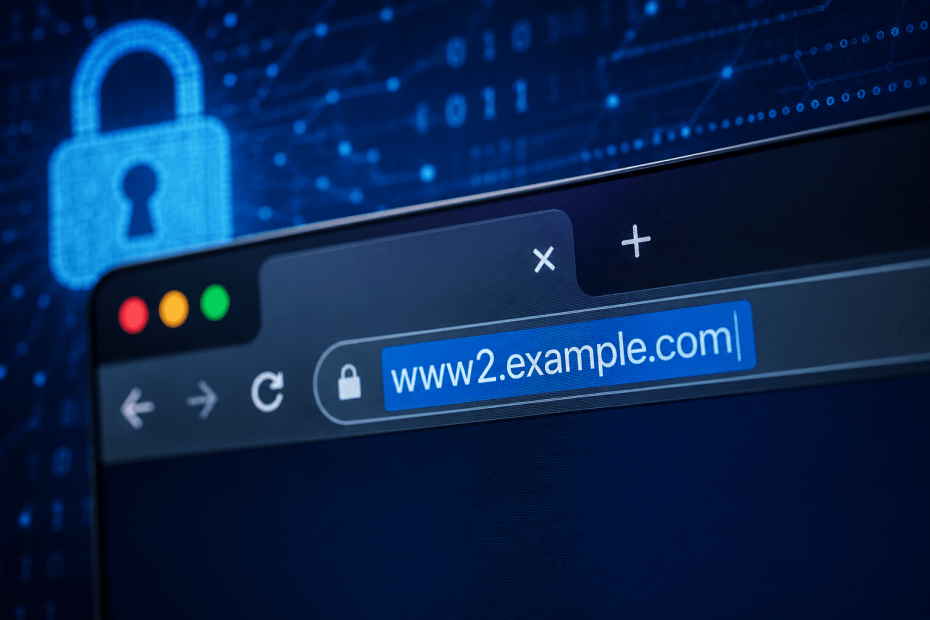
When browsing the web, you might spot a URL beginning with www2 instead of the usual www. This small difference can raise questions about the site’s legitimacy and safety. Is www2 a sign of a fraudulent website, or is it perfectly normal? In this article, we’ll explain what www2 means, why it appears, and how you can stay safe if you encounter it.
What Is WWW2?
The prefix www2 is essentially a subdomain, much like www, which stands for the World Wide Web. While www is the most common subdomain used to identify a website’s main server, www2 points to a different server or section of the website. This practice helps distribute web traffic or separate different versions of a site.
In other words, www2 is not inherently suspicious. It often indicates that the website is using multiple servers to manage high traffic volumes or testing new features without affecting the main site.
How WWW2 Works
Websites that expect large numbers of visitors sometimes use multiple servers to balance the load. Instead of everyone accessing the main www server, some users might be redirected to www2 or even www3. This helps keep the site running smoothly.
Another reason for www2 is development or testing. A company might run a new version of their site on www2 to check features before launching them on the main domain.
Common Reasons You See WWW2 Instead of WWW
- Load balancing: Spreading user traffic across multiple servers to improve performance.
- Testing environments: Hosting a separate version of the website for development purposes.
- Regional or language-specific versions: Some sites use different subdomains for localisation, though this is usually more specific than
www2.
For example, a popular online store might route some shoppers to www2 to ensure the site stays responsive during sale events.
Is WWW2 Safe?
Seeing www2 in a URL doesn’t automatically mean the site is unsafe. Many legitimate websites use www2 as part of their server infrastructure. However, it’s important to stay cautious.
Fake websites can mimic www2 URLs to trick users into believing they are visiting a genuine site. These sites might attempt to steal personal information or install malware.
One way to check safety is to look for security indicators in your browser, such as HTTPS and a padlock icon. Also, verify the overall domain name to ensure it matches the trusted site you intend to visit.
How to Stay Safe When You Visit WWW2 Sites
Here are some practical steps to protect yourself:
- Check the full URL: Confirm the domain name is correct and not a misspelling or variation of a legitimate website.
- Look for HTTPS: Secure sites use HTTPS, which encrypts data between your browser and the server.
- Use a VPN: A VPN can add an extra layer of security by encrypting your internet connection and hiding your IP address.
- Keep software updated: Regularly update your browser and security software to help defend against malicious sites.
- Be cautious with personal data: Avoid entering sensitive information on unfamiliar
www2sites without verifying their legitimacy.
Fake WWW2 Websites
Cybercriminals may create fake websites using www2 prefixes to impersonate popular brands. These sites often look convincing but serve malicious purposes such as phishing or distributing malware.
For example, a fake banking site might use www2.bankname.com to trick customers into submitting login details. Checking the security certificate, domain, and contacting the company directly can help avoid falling victim.
Risks
While www2 itself is not a risk, the main concern arises when it is used deceptively. Risks include:
- Phishing attacks: Fake sites collecting personal or financial information.
- Malware distribution: Sites hosting harmful software that can infect your device.
- Data interception: Without encryption, attackers could intercept your data.
Take Control of Your Online Privacy
Using a VPN is one effective way to safeguard your online activity. A VPN encrypts your internet traffic and masks your IP address, making it harder for attackers to track or intercept your data. This is especially useful when connecting to less familiar domains, including those with www2 prefixes.
In addition, practicing good browsing habits, such as verifying URLs and security certificates, can help protect your privacy and security.
Conclusion
The www2 prefix is a technical detail that reflects how websites manage traffic or testing. It is not inherently dangerous, but it’s wise to remain cautious. Always check the full domain name and security indicators before entering any sensitive information. Using tools like VPNs can further enhance your online privacy and safety.
For more detailed information, you can visit this resource on WWW2 websites.
Frequently Asked Questions
What does WWW2 mean in a website address?
WWW2 is a subdomain indicating a different server or section of a website, often used for load balancing or testing.
Is it safe to visit websites starting with WWW2?
Many legitimate sites use www2, but it’s important to verify the full URL and look for security signs like HTTPS before trusting the site.
How can I tell if a WWW2 site is fake?
Check for misspellings in the domain, absence of HTTPS, suspicious requests for personal information, and use trusted security tools to help identify fake sites.
Does using a VPN protect me on WWW2 sites?
Yes. A VPN encrypts your connection, making it harder for attackers to intercept data, which adds a layer of security when visiting any site, including those with www2.
Why do some websites use WWW2 instead of WWW?
Websites use www2 to distribute traffic across multiple servers or to host versions of the site for testing and development purposes.