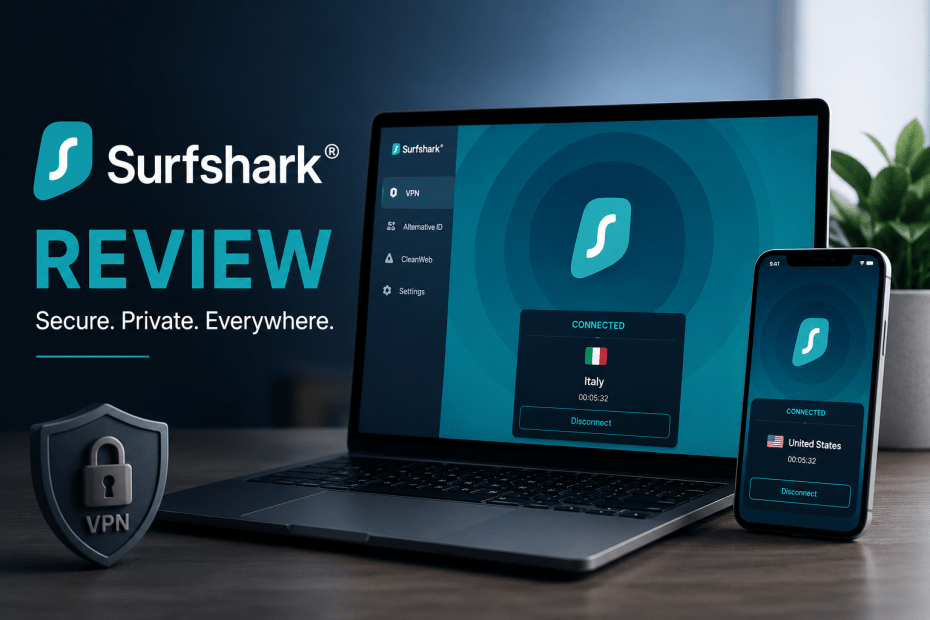
Surfshark has earned a strong reputation in the VPN market, and after looking closely at what it offers, it’s easy to see why. It combines fast performance, a wide range of privacy features, and competitive pricing into a package that suits both casual users and those who want more advanced tools. While it isn’t perfect, it delivers excellent value, especially if you’re willing to commit to a longer subscription.
One of Surfshark’s biggest advantages is flexibility. Unlike many competitors, it allows unlimited simultaneous device connections under a single account. Whether you’re protecting a laptop, smartphone, smart TV, or your whole family’s devices, there are no connection limits to worry about.
Privacy is clearly one of Surfshark’s main priorities. The service uses industry-standard AES-256 encryption alongside modern VPN protocols such as WireGuard, OpenVPN, and IKEv2. During testing, it successfully prevented both DNS and WebRTC leaks, ensuring that real IP addresses remained hidden throughout the connection.
Surfshark also includes several features that go beyond the basics. Camouflage Mode disguises VPN traffic so internet providers and network administrators have a much harder time detecting that you’re using a VPN. This can be particularly useful in countries or networks where VPN traffic is restricted. NoBorders Mode automatically detects network limitations and suggests servers that work best in restrictive environments, making it easier to stay connected when travelling or using heavily filtered networks.
The built-in Kill Switch adds another layer of protection. If the VPN connection unexpectedly drops, your internet connection is immediately blocked, preventing your real IP address from being exposed. This is especially valuable for activities like torrenting, where even a brief disconnect could reveal your identity.
Split tunnelling, known as Bypasser, is another practical feature. Instead of routing every application through the VPN, you can choose which apps or websites use the encrypted connection and which use your normal internet connection. It’s particularly handy for online banking, gaming, or video calls where speed or location matters more than privacy.
For users looking for even stronger protection, Surfshark offers Dynamic MultiHop. This routes your traffic through two VPN servers instead of one, adding another layer of encryption. Although it does reduce connection speeds slightly, Surfshark gives you far more control than many competitors by letting you create your own server combinations instead of limiting you to fixed routes.
Another standout feature is Alternative ID. Rather than handing out your real email address and personal information when signing up for online services, Surfshark can generate a realistic online identity complete with an email alias. It’s a simple way to reduce spam and protect your personal information from data brokers and marketing databases.
Performance is another area where Surfshark impresses. Like any VPN, there is some speed loss, but it remains fast enough for everyday use. Downloads, streaming, browsing, and video calls all performed smoothly during testing. Even when connected to distant servers, download speeds generally stayed within around 10 to 20 percent of the original connection, which is a solid result.
Streaming support is equally strong. Surfshark consistently accessed Netflix libraries from different regions and worked well with dedicated apps for Android TV, Apple TV, and Amazon Fire TV devices. Torrenting performance was also reliable, with only a minimal increase in download times compared to an unprotected connection.
No VPN review would be complete without discussing privacy policies. Surfshark operates from the Netherlands, which is part of the Nine Eyes intelligence-sharing alliance. On paper, that may concern privacy-conscious users. However, the company maintains a no-logs policy that has been independently audited. It does temporarily retain your IP address during an active session to help prevent abuse, but according to Surfshark, this information is automatically deleted within 15 minutes after you disconnect. While some competitors avoid collecting IP addresses altogether, the limited retention period is unlikely to affect most users.
Surfshark also offers optional extras through Surfshark One and Surfshark One+. These subscriptions bundle the VPN with antivirus protection, identity monitoring, a secure search engine, and Incogni, a service designed to remove your personal information from data broker websites. If you’re looking for an all-in-one digital security package, these plans provide considerably more than a standard VPN.
Pricing is another area where Surfshark stands out. The monthly plan is relatively expensive, but the long-term subscriptions offer excellent value. Two-year plans regularly cost under $2 per month, making Surfshark one of the most affordable premium VPNs available. Every plan also includes a 30-day money-back guarantee, giving new users plenty of time to test the service.
Overall, Surfshark strikes an impressive balance between performance, privacy, features, and affordability. It offers strong encryption, reliable streaming support, unlimited device connections, and a generous collection of security tools without charging premium prices. While its temporary IP logging policy and location in the Netherlands may give some privacy enthusiasts pause, those compromises are relatively minor for most people.
If you’re looking for a feature-rich VPN that performs well across streaming, torrenting, travel, and everyday browsing, Surfshark remains one of the best value choices currently available.